
Filter Post Type
NewsVideoProductEventLink
Sort:
Most Recent
1–4 of 4

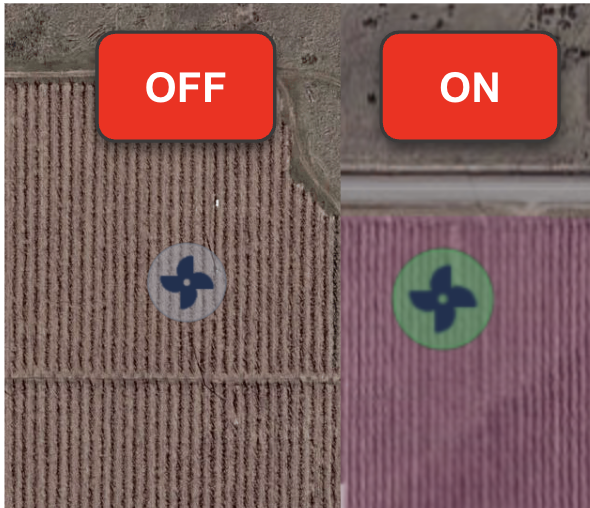
Two things you shouldn't have to do manually: drive out at 2 AM to check if a wind machine kicked on, and re-permission users every time a tractor changes regions. This release takes both off your hands. What’s New: Wind Machine ON/OFF Tracking See your wind machines (and any stationary equipment) live in CabView - grey when off, green when running. No more late night drives or calls to check if the fan is on. Run hours also flow into StatsView, so you can stay ahead of maintenance instead of guessing. To enable, flag the equipment as a “Stationary” type in the settings. Dynamic Vehicle Permissions by Zones Tie vehicle permissions to regions or ranches - instead of hand-picking each one. When a tractor moves into a region, the right crew sees it (and gets its AlertView alerts) automatically. When it leaves, it drops off. No more updating vehicle labels to keep permissions in sync, no more pings about machines that aren't in the region, no more missed alerts for equipment that j
00

We've heard you loud and clear - when you spot a machine idling too long or running inefficiently, the first question is always "who was operating it?" Until now, finding that answer meant digging through data and piecing things together. Not anymore. Operator Data in CropView CropView now displays operator assignments for each machine. Reviewing field coverage? You'll see who was behind the wheel at a glance. Operator Data in StatsView View reports by operator - see exactly who's racking up the most idle time, or compare efficiency across your team (i.e. mph, ac/hr). Just select "Operator" in the View By dropdown on reports like Idling or Farming Efficiency. Why This Matters: When you see a machine that's been idling excessively or underperforming, you'll know exactly who to talk to. This means faster coaching conversations and better accountability across your operation. Learn More
00
November 18, 2024
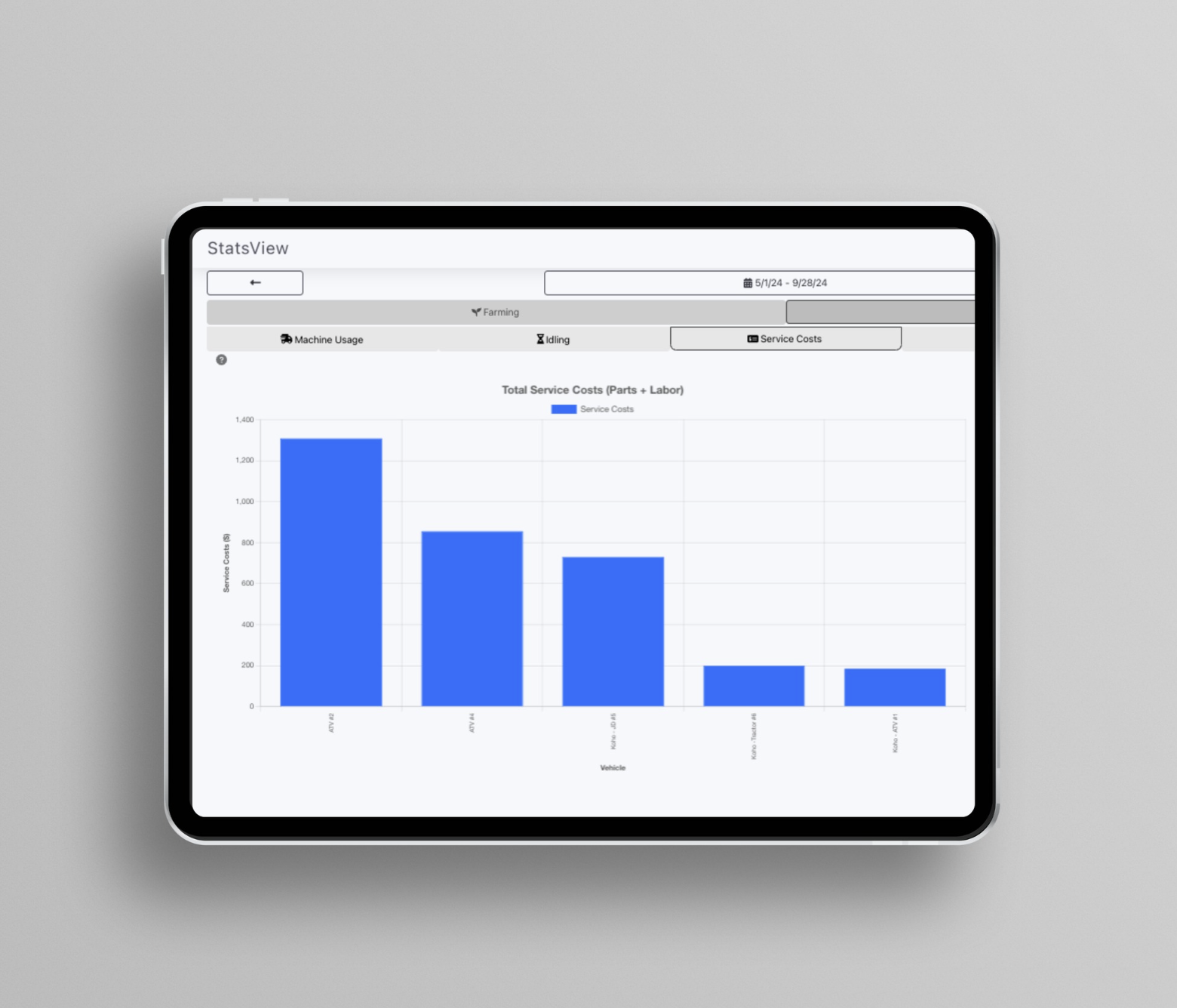
One of our growers had an old tractor that had developed a bit of a wheeze—no warning lights, just a concerning rumble hinting at trouble. He’d grown used to it, like a familiar creak in the floorboards. Though he diligently logged expenses in StatsView, he hadn’t fully explored its reporting features—kind of like owning a Swiss Army knife and only using the bottle opener. One slower afternoon, he decided to look into latest StatsView update. There it was: the maintenance costs for that tractor were creeping up, significantly higher than the others. Curious, he dug deeper and discovered the issue: fuel consumption. The old workhorse was thirstier than he realized. This sparked a thought. He checked the fuel injectors—something he might not have considered otherwise. Sure enough, one was clogged. A simple fix, and he avoided a potentially costly engine repair, all thanks to a timely insight. That’s the beauty of StatsView: it gives farmers th
00
September 17, 2024
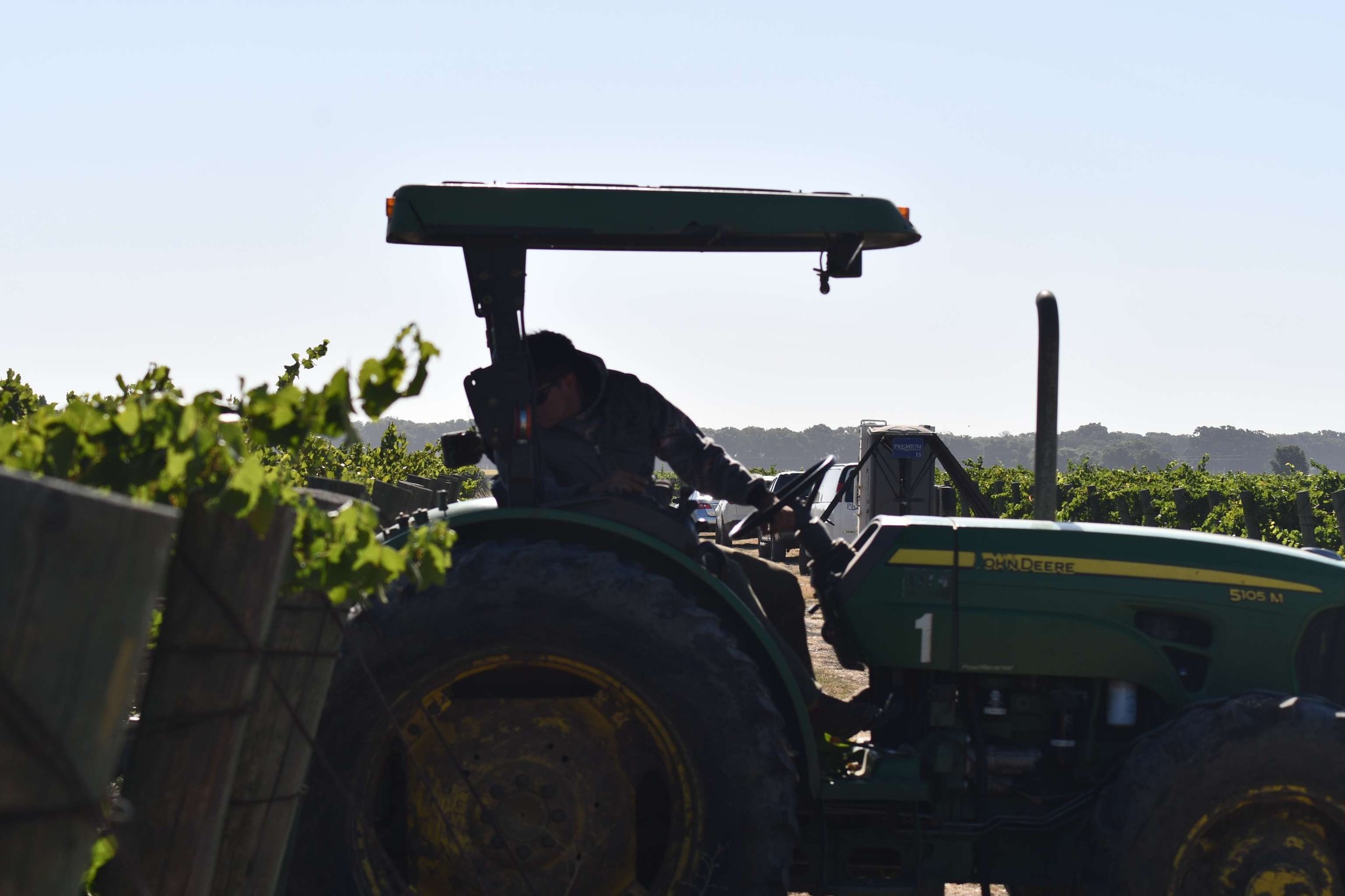
This harvest, StatsView is here to empower you with actionable insights that can elevate your bottom line! One standout feature is GHG Emissions Tracking, which estimates the greenhouse gas emissions from each machine in your operation. With this essential data, you can: 1) Assess your sustainability efforts. 2) Strengthen applications for GHG reduction grants and tax benefits. 3) Operate more sustainably while maximizing yields. By using StatsView, you’re not just optimizing your equipment; you’re making a strategic investment in balancing profitability with environmental responsibility for today and the future. Ready to discover how StatsView can transform your operations? Visit www.intelliculture.com or send us a message!
00