
Filter Post Type
NewsVideoProductEventLink
Sort:
Most Recent
1–6 of 6

November 6, 2024
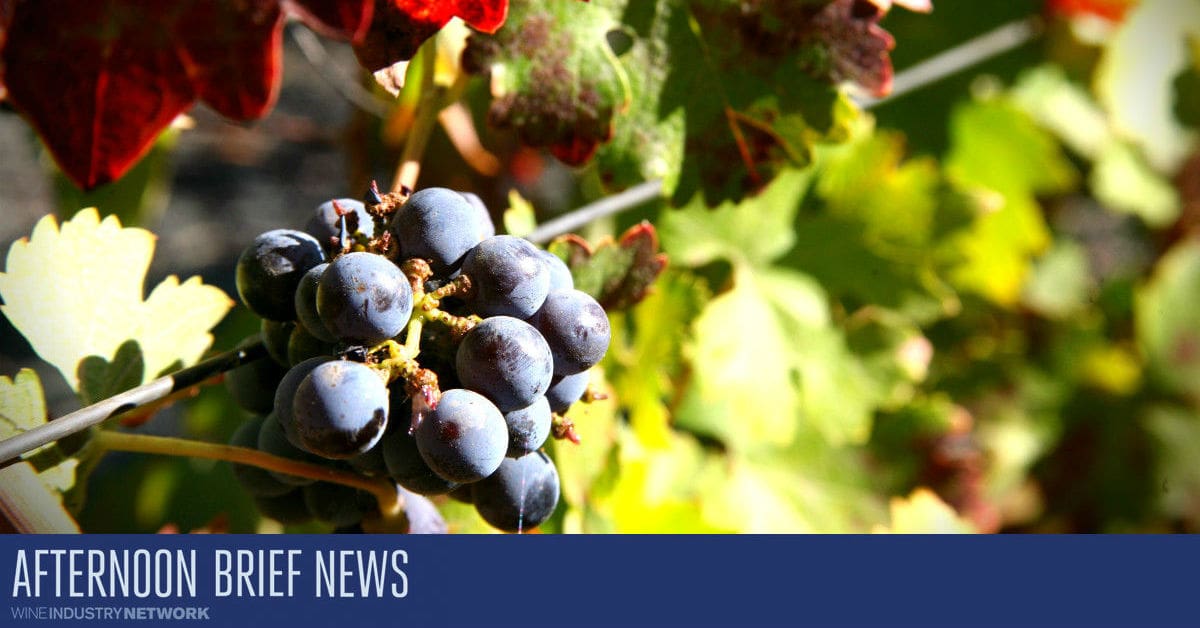
Afternoon Brief: Time to Stock Up the Drinks Cabinet
With President Trump once more headed to the White House, tariffs will make it much more expensive to enjoy your favourite tipple...
Thousand Islands WineryBravery WinesLamoreaux Landing WineryButtonwood Grove WinerySix Eighty CellarsSte. Michelle Wine EstatesHenkell FreixenetOvershine Wine Co.Mascarin Family WinesTruett Hurst WineryComstock WinesStressed Vines CellarsThe Napa Valley Wine TrainTeutonic Wine CompanyChehalem WineryVarnum VintnersBrandborg Vineyard & WineryWillamette Valley VineyardsLes Collines VineyardTrisaetum WineryFresh Vine WineInstitute of Masters of WineUnited Sommeliers FoundationSonoma County WinegrowersVITÆVINOCome Over OctoberTurrentine BrokerageCowhorn Vineyard & GardenKabayan WinesNew Zealand WineChandonGlobal PackageKyocera Document SolutionsRack & RiddleONX WinesSpangler VineyardsMaison Albert BichotArmand De BrignacCellar 33
00

Afternoon Brief, June 18th
California Fire Season Starts Early: At least nine wineries in Sonoma County's Dry Creek Valley were evacuated Sunday by a fast-moving wildfire. Another 13 wineries were facing an evacuation warning, depending on how fast the fire spreads...
Château MontroseDirect to Consumer Wine SymposiumBeverage Trade NetworkFredericksburg Food & Wine FestivalCIATTI Global Wine & Grape BrokersVitisphereArtémis DomainesInstitute of Masters of WineVinepairRam’s Gate WineryFlânuer WinesStone Edge Farm WineryKnights Bridge WineryvinSUITEO-IRack & Riddle Custom Wine ServicesFedrigoni Self-AdhesivesLarson Family WineryFlora Springs vineyardFlying Goat CellarsVinovateCowhorn Vineyard & Garden
00
November 21, 2023

Afternoon Brief, November 21st
Angry French Winemakers Plan Mass Protest in Narbonne: Tension has been running high in southern France and winemakers are planning a major protest in Narbonne later this month over a crisis facing the industry...
Wine InstituteMichele Chiarlo WineryCowhorn Vineyard and GardenMadroña VineyardsSanta Ynez ValleyBig Hammer WinesWillamette Valley VineyardsDomaine LumineuxNicolas-Jay EstateProweinVinepairPeju WinerySte. MichelleVerallia USABay Cities Packaging & DesignBauerhaus DesignWineGlass MarketingFoxen Canyon Wine TrailBordeaux Estate ChâteauGraham Beck
00


< 1. Open multiple Browser Tabs Having multiple browser tabs open on your QuickBooks Online account is a huge timesaver. Then, you can compare your data across multiple reports or features with two or three browser tabs open. You can do this within the same QBO company file by duplicating the tab you’re working on. Just right-click on your browser tab and press duplicate. 2. Some Products Can Be Simplified For any items that you don’t track COGs on, you can map multiple products, such as tastings or samples, and point them to a single QB SKU. This saves a great deal of time compared to setting up every single event, tasting, pouring, etc. We see a wide variety of ways to manage products. Some will set up every single item, while others allow items to be combined. 3. Make Deposits with your Undeposited Funds Account Your Undeposited Funds account keeps a record of payments in QuickBooks until you deposit the same payments at your bank. Think of
00
The QuickMath calculator is a quick way to perform simple calculations without having to pull out a calculator or use a separate app on your computer. To use this feature, open the form you will be using (perhaps an invoice or estimate). Then you can press the equal key or type a number followed by a function, such as: Plus: + Minus: – Multiply: * Divide: / A window will pop up showing your calculations. You can press equal to see your subtotal, “C” to clear the last entry, or press “C” twice to clear the equation. After completing your calculation, press Enter, and the calculated value will be added into the field. Since the WGits app sends over your Sales Receipts and Credit Memos flawlessly, the calculator won't be useful there. However, it could be helpful for when you're writing up an invoice or an estimate. Testimonial: "WGits has been an absolute game changer for us. We save an incredible amount of
00
Tying out your month can be tricky. Here is a Quick QB Tip to help make your month-end easier. Weekend Trickiness Payment Gateways usually do a payout or two for each day, however over the weekend, they will often send one payout that represents multiple days of the weekend. This can be tricky if you didn't know this already and can make reconciliation harder. Sometimes checking the revenue across both days to see them balance is the fastest way to resolve this. Whatever your process is for balancing the books, hopefully, this tip will help you tie out a less stressful month-end. Testimonial: "WGits has been an absolute game changer for us. We save an incredible amount of time not manually entering sales transactions each day. We use WGits for two brands, flowing into the same Quickbooks online account and it is seamless and accurate. The customer support is amazing and quick to respond with solutions to any problems (which are very few)." ~ Kattie Zielenski Wine
00